How to Deploy a SvelteKit App
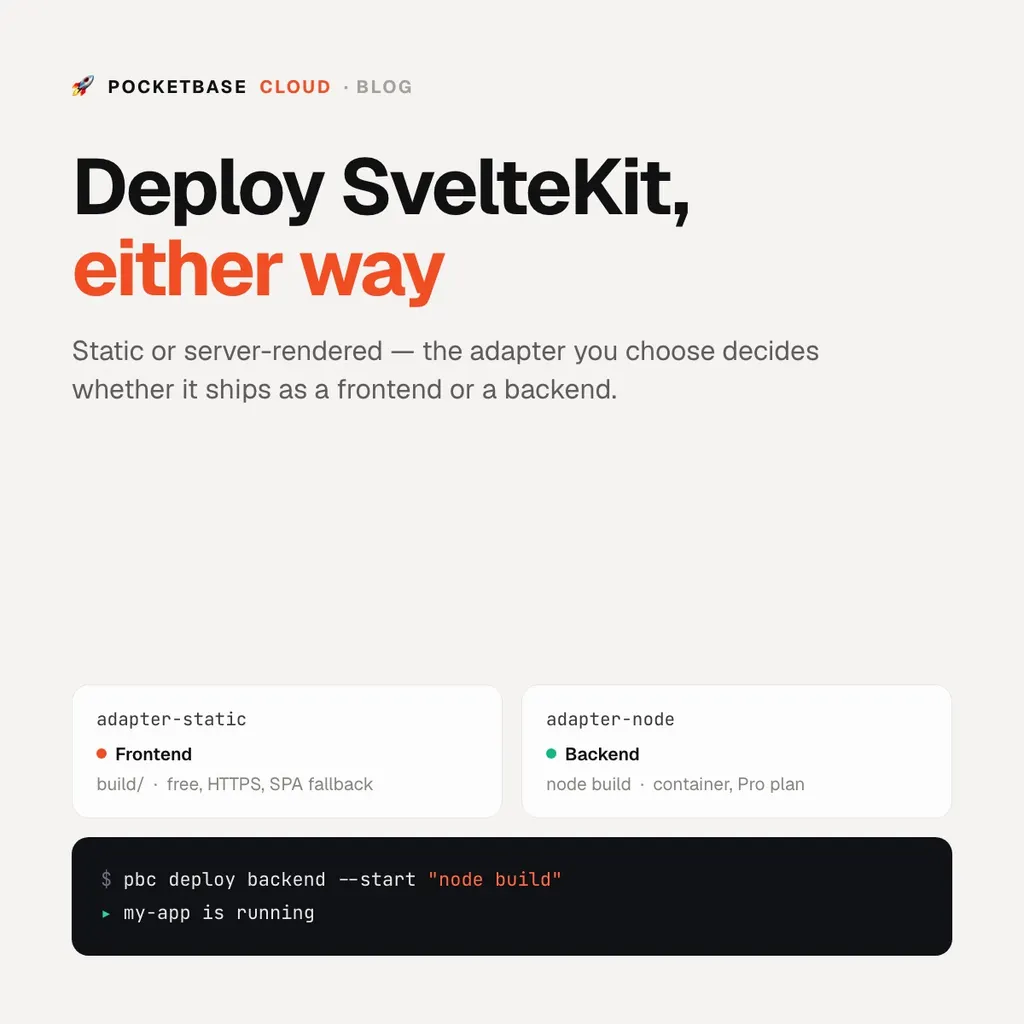
How to Deploy a SvelteKit App
SvelteKit hosting comes down to which adapter you build with:
@sveltejs/adapter-static— a prerendered site, output tobuild/. That’s a frontend.@sveltejs/adapter-node— a Node server with SSR, form actions, and+server.jsendpoints. That’s a backend (Pro plan).
Pick the adapter explicitly in svelte.config.js rather than relying on
adapter-auto — the deploy target should not be a guess.
Static: deploy as a frontend
// svelte.config.js
import adapter from '@sveltejs/adapter-static';
export default { kit: { adapter: adapter() } };
pbc deploy --name my-siteThe CLI detects the Svelte config, runs npm run build, and uploads build/.
HTTPS and SPA fallback are handled. Free on every plan.
Server-rendered: deploy as a backend
// svelte.config.js
import adapter from '@sveltejs/adapter-node';
export default { kit: { adapter: adapter() } };
adapter-node writes a server to build/ that you start with node build and
that reads the PORT environment variable — which PocketBase Cloud sets. Tell
pbc this is a backend and give it the start command:
pbc deploy backend --name my-app --start "node build"The binding is written to pbc.json, so redeploys are just pbc deploy:
// pbc.json
{
  "kind": "backends",
  "build": {
    "command": "npm run build",
    "runtime": "nodejs",
    "startCommand": "node build"
  }
}
Talking to a database
Point the app at a PocketBase instance in the same project for auth, data, and file storage:
import PocketBase from 'pocketbase';
const pb = new PocketBase(import.meta.env.VITE_POCKETBASE_URL);
For a static build the URL is baked in at build time; for a server build, keep server-side credentials in environment variables.