How to Deploy a Next.js App
How to Deploy a Next.js App
Next.js comes in two shapes, and they host differently:
- Static export (
output: "export") — a folder of HTML and assets. That’s a frontend: upload it anywhere. - Server-rendered — the default. App Router,
getServerSideProps, API routes, middleware, and streaming all need a running Node process.
This guide covers the second kind. On PocketBase Cloud a server-rendered Next.js app deploys as a backend (Pro plan), in an isolated container with a dedicated HTTPS subdomain.
One command
From the project directory:
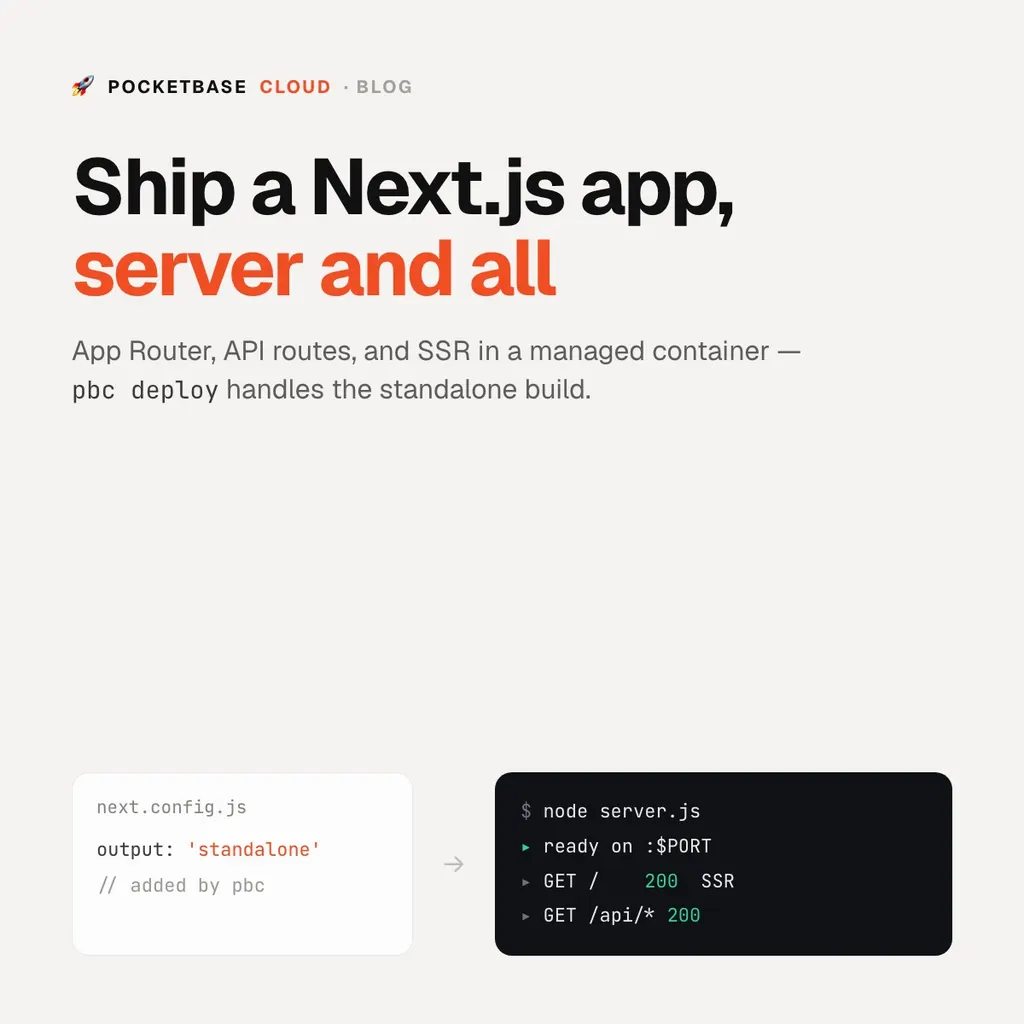
pbc deploy --name my-next-apppbc deploy recognises next.config.* and runs pbc backend deploy for you.
The heavy lifting the CLI does before upload:
- Adds
output: "standalone"tonext.config.*(printing the change; it writes a config if you have none, and leaves an existingoutputalone). - Runs
npm run buildlocally — the platform does not runnext build, which exhausts memory on a shared host. - Assembles
.next/standalone,.next/static, andpublicinto the layout the runtime expects, and starts it withnode server.js.
When the status turns running, the app is live at
https://my-next-app.pocketbasecloud.com.
Redeploy
The first deploy records the app in pbc.json:
pbc deploy # rebuild + redeployAdd pbc ci init and every push to
main ships.
Environment variables
Server-side secrets go in the backend’s
environment variables — a .env next to
the code is pushed on deploy. Remember that NEXT_PUBLIC_* values are inlined
into the client bundle at build time, so they are public.
Talking to a database
Point the app at a PocketBase instance in the same project and you have auth, a database, file storage, and realtime without a second vendor:
import PocketBase from "pocketbase";
const pb = new PocketBase(process.env.POCKETBASE_URL);
See How to deploy a full-stack app for the database and frontend alongside it.
A note on the portal path
Uploading a Next.js ZIP by hand means assembling that standalone layout
yourself. The CLI is the sane path for Next.js — the portal drag-and-drop is
better suited to plain Node, Deno, and Bun services.