Keep Several PocketBase Admin Logins at Once
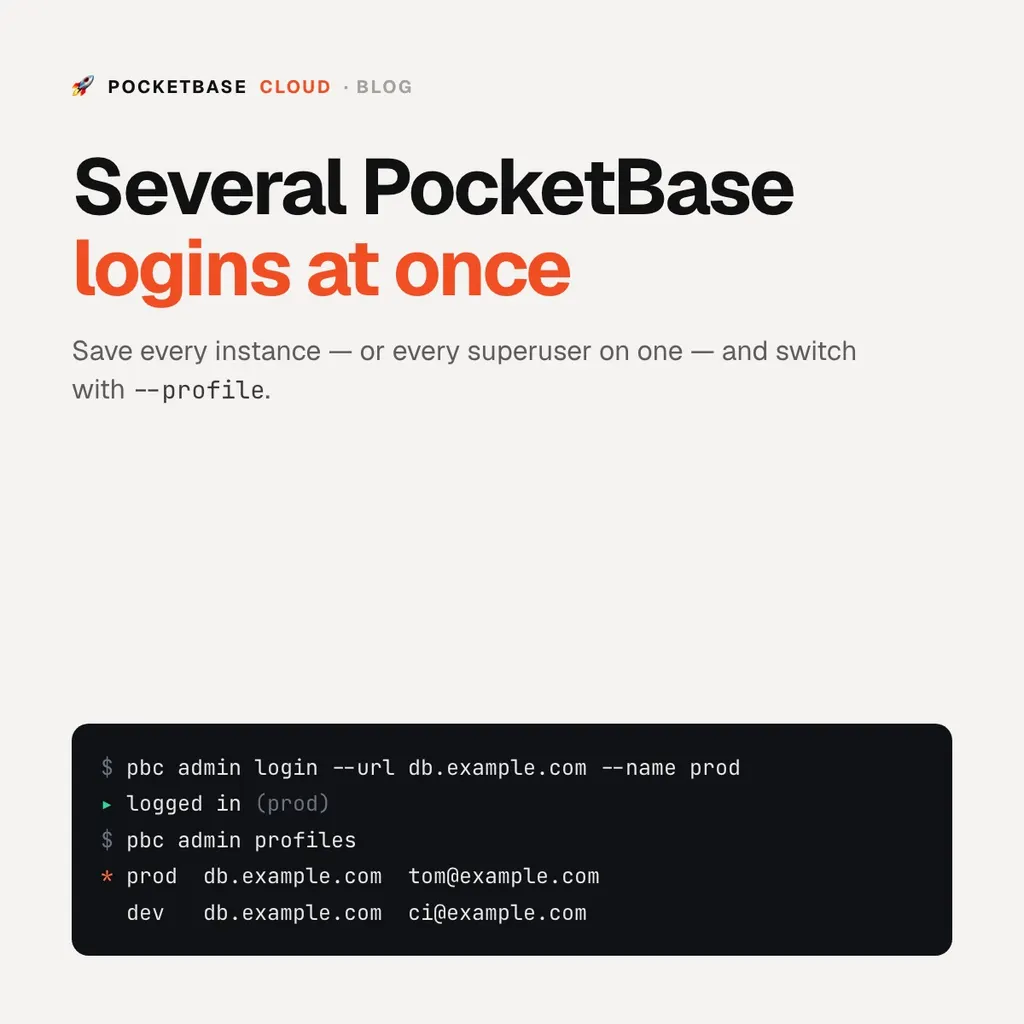
Keep Several PocketBase Admin Logins at Once
Every pbc admin command acts on one instance: the one you selected. Pointing
the CLI at a second instance used to mean overwriting the first — pbc admin use <url>, log in again, and the previous token was gone unless you
remembered to name it.
Two changes make juggling instances, and superusers, unremarkable:
pbc admin login --url <url>creates the profile and signs in, in one step.pbc admin profileslists everything you’ve saved.
Add an instance in one command
$ pbc admin login --url https://my-app-db.pocketbasecloud.com --name prod
Superuser email: [email protected]
Superuser password:
Logged in to https://my-app-db.pocketbasecloud.com (prod).
The profile is named after the URL unless --name gives it something shorter,
so you can tell two instances apart without re-reading their hostnames.
Several superusers on one instance
An instance can have more than one superuser: one for you, one for CI, one you share with a teammate. Profiles are keyed by name, not by URL, so all of them can point at the same instance and each keeps its own token. The saved email is there to tell them apart:
$ pbc admin profiles
ACTIVE  NAME  URL                                     ACCOUNT          STATUS
*       prod  https://my-app-db.pocketbasecloud.com    [email protected]  authenticated
        ci    https://my-app-db.pocketbasecloud.com    [email protected]   authenticated
Switching, per command or for good
pbc admin use <url> still selects an instance and makes it the default.
pbc admin use --name <profile> switches the default to an already-saved
profile without re-typing its URL, and --profile <name> picks one for a
single command:
pbc admin use --name prod                    # default from now on
pbc admin collections ls                     # against prod
pbc admin records ls posts --profile ci      # against ci, just this once
pbc admin whoami shows the active profile. pbc admin logout --profile ci --remove forgets one. The profiles live in ~/.config/pbc/config.json (mode
600), the same file as your cloud login, so --json scripting and PBC_TOKEN
keep working unchanged.
New to the CLI? Start with Installing the CLI, then Managing Your Instance and the CLI Cookbook.