Free Frontend Hosting for Your Side Project
Free Frontend Hosting for Your Side Project
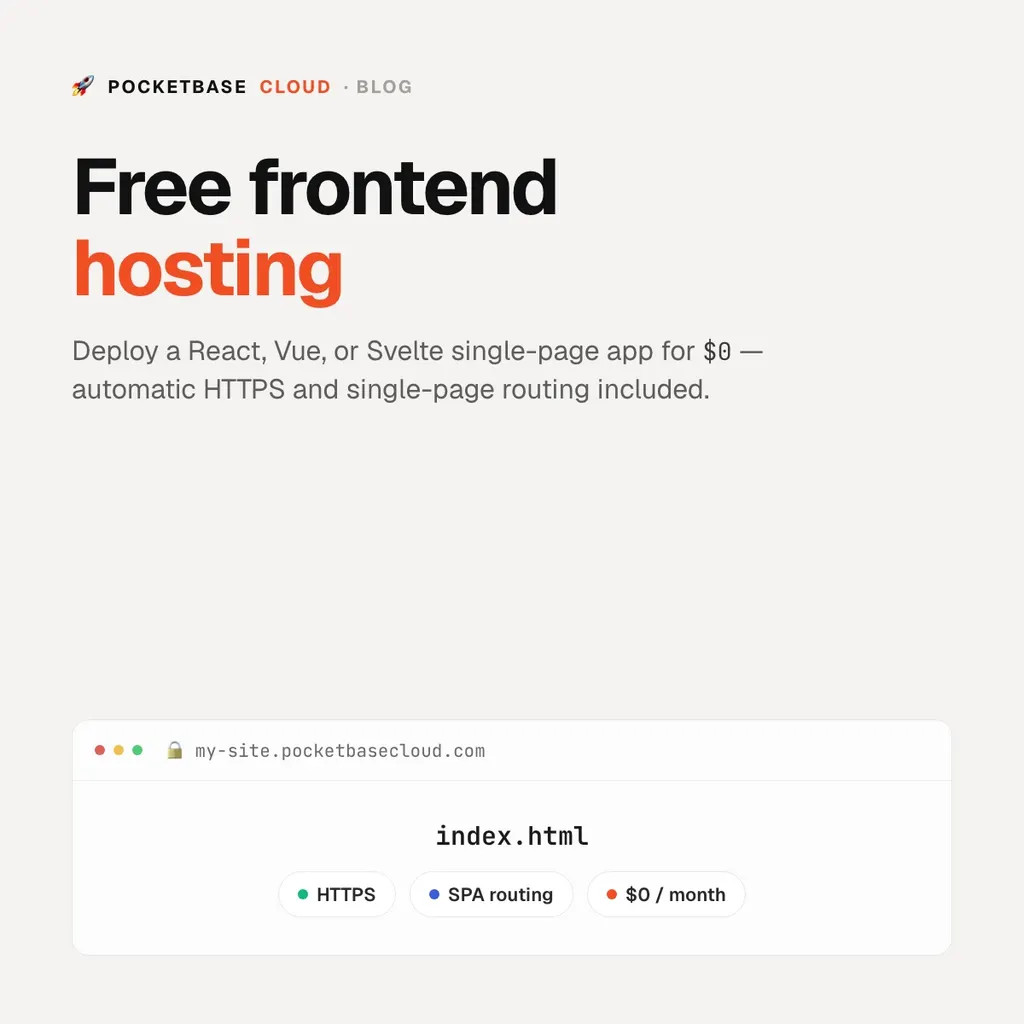
Every SPA framework produces the same thing: an index.html and a folder of
static assets. Hosting that should be free, and on PocketBase Cloud it is —
frontend hosting is included on the free plan, with automatic HTTPS and
single-page-app routing.
The difference from a pure static host shows up the moment your side project needs to store something: the database, auth, and file storage are on the same platform, one command away.
Deploy in one command
Build your app with any client-side tool — Vite, Create React App, SvelteKit in static mode, Vue CLI — then, from the project directory:
pbc deploy --name my-siteThe CLI detects the framework, runs npm run build, packages the output
(dist/ or build/), uploads it, and waits for HTTPS. Your site is live at an
address the platform assigns:
https://<site-id>.<compute>.pocketbasecloud.comPrefer clicking? The portal’s Frontends tab takes a drag-and-drop of your build folder or a ZIP.
What “free” includes
- HTTPS on the assigned subdomain, issued and renewed automatically
- SPA routing — deep links like
/dashboard/settingsfall back toindex.html, so React Router and Vue Router work - Served from the edge — your files sit behind Cloudflare’s anycast network
- No bandwidth meter — a busy month changes your traffic graph, not a bill
Custom domains and DDoS protection come in on the Starter plan ($5/mo); the free
plan uses the assigned pocketbasecloud.com subdomain.
Redeploy
The first deploy records the site in pbc.json, so after that:
pbc deployWire it into CI with pbc ci init
and every push to main ships the site.
When the frontend needs a backend
Add a PocketBase instance to the same project and your frontend has a database, auth, and file storage — see Build a free landing page with a subscribe form for a worked example, or How to deploy a full-stack app for the whole stack.