A Cleaner pbc self upgrade, and the End of npm Releases
A Cleaner pbc self upgrade, and the End of npm Releases
pbc self upgrade worked fine — it just didn’t say much while it worked.
Run it, wait, get one line back: upgraded, old version to new. Now it tells
you what’s happening at each step:
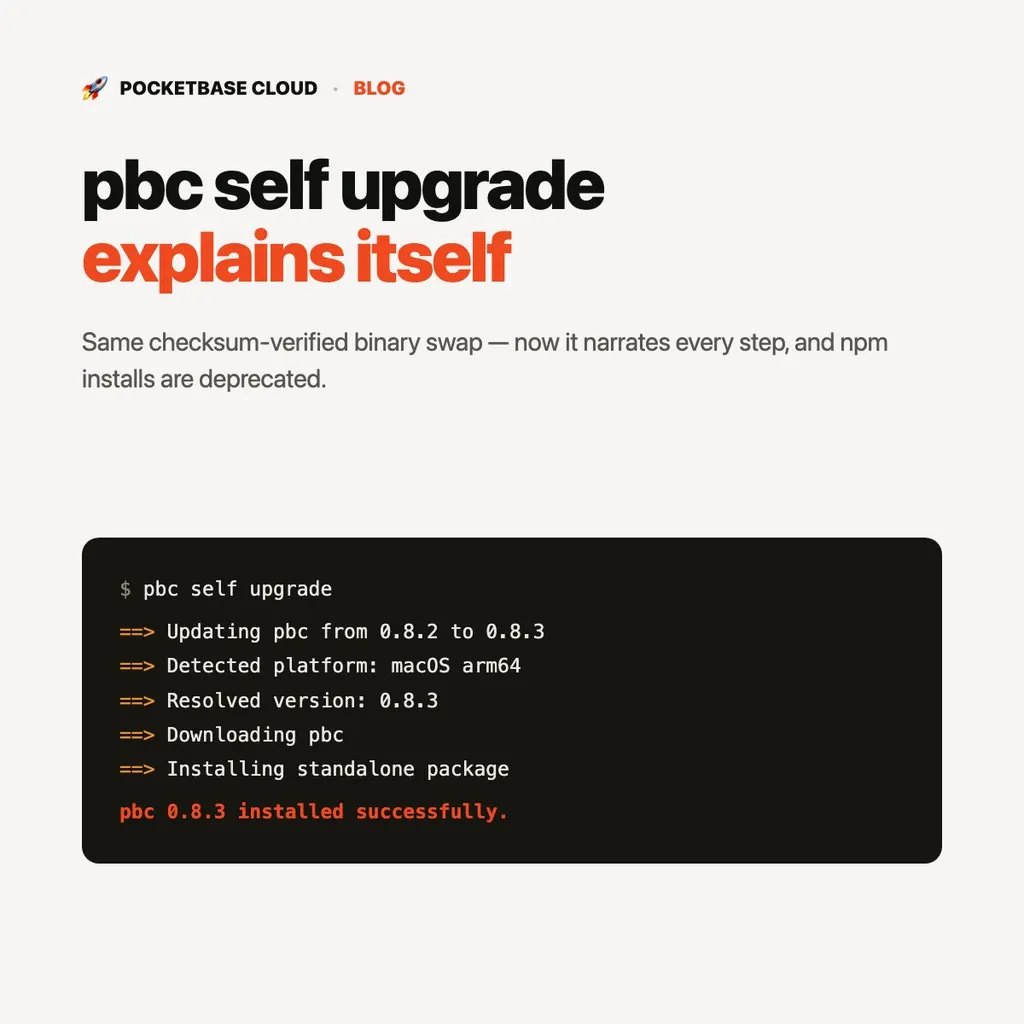
$ pbc self upgrade
==> Updating pbc from 0.8.2 to 0.8.3
==> Detected platform: macOS arm64
==> Resolved version: 0.8.3
==> Downloading pbc
==> Installing standalone package to /usr/local/bin/pbc
==> /usr/local/bin is already on PATH
pbc 0.8.3 installed successfully.

🎉 Update ran successfully! Please restart your terminal session.
Nothing about what upgrade does changed — it still verifies the download
before replacing anything, and it still won’t touch your existing install if
something doesn’t check out. What’s new is that you can actually see it
work, including whether your install directory is already on your PATH —
one less thing to debug if pbc isn’t found in a fresh terminal.
npm is no longer where releases go
0.8.3 is the last version this CLI publishes to npm. From here, install (or reinstall) with:
curl -fsSL https://raw.githubusercontent.com/pocketbasecloud/cli/main/scripts/install.sh | shIf you already have pbc installed via npm, it keeps working — but pbc self upgrade won’t be able to update it going forward. Run the script above
once, and every upgrade after that works in place, the same as any other
install.
The CLI can now tell you to upgrade, instead of just failing
If a command you run needs a newer CLI than the one you have, you’ll get a plain instruction instead of a confusing error:
Error: create failed: pbc 0.8.1 is too old (minimum: 0.8.3).
Run `pbc self upgrade`.
Run that command, and you’re back in business — no changelog spelunking required to figure out why something suddenly stopped working.
See Installing the CLI for the current install and upgrade paths.