Your PocketBase admin dashboard, now embedded in the portal
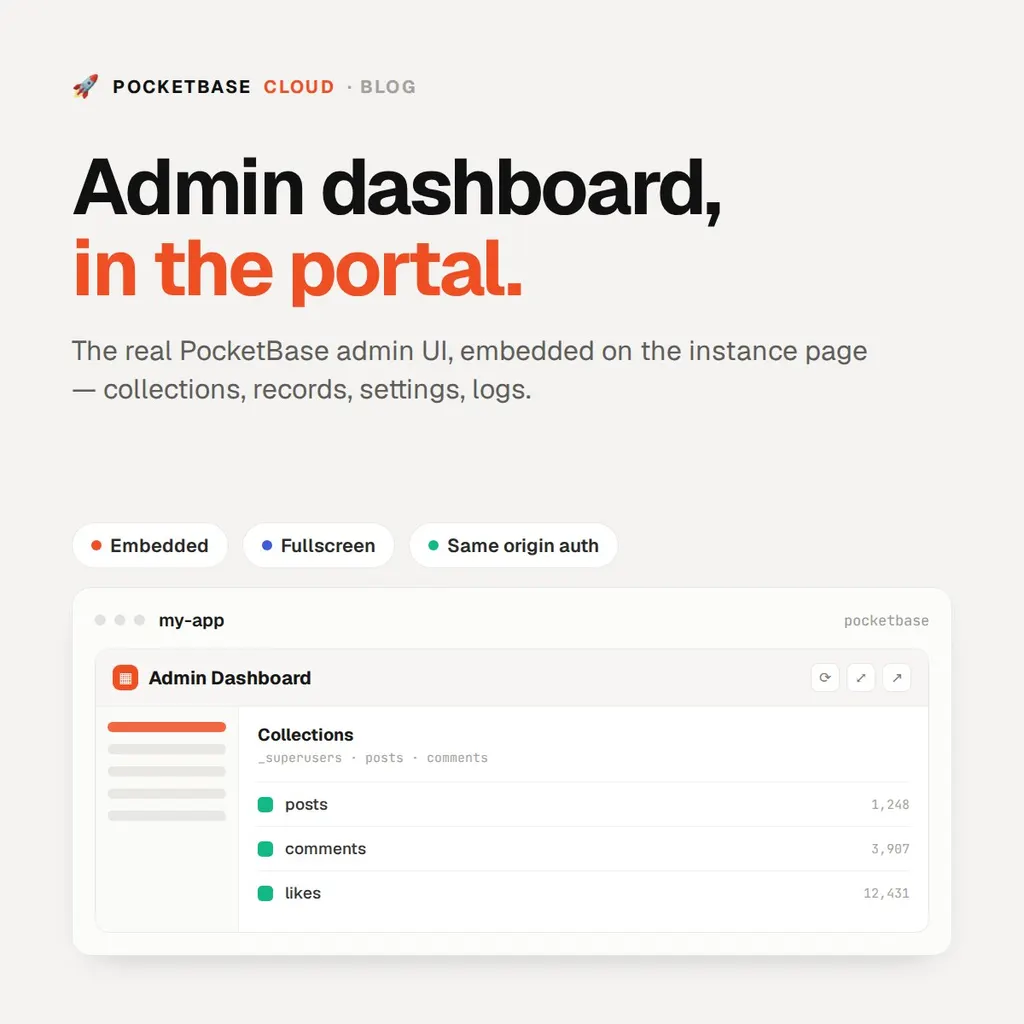
Your PocketBase admin dashboard, now embedded in the portal
Every PocketBase instance’s detail page now has a collapsible Admin
Dashboard card. Expand it and the instance’s own admin UI — collections,
records, settings, logs, the whole /_/ app — loads right inside the portal,
with reload, fullscreen, and open-in-new-tab controls above the frame.
You still log in with the Admin Email and Admin Password inside the frame. The platform never sees those credentials, and the embed doesn’t change how the admin UI authenticates or what it can do. It’s the same dashboard you’d get at the instance’s admin URL, just without the tab-switch.
Why it didn’t work on the first try
The first build of the embed rendered a blank frame. Every PocketBase vhost was
sending X-Frame-Options: DENY — which is the right default, and also exactly
what refuses an iframe.
The easy fix would have been to drop that header, but that would let any site
frame your admin login, which is a phishing page waiting to happen. So the
server agent now sends a CSP frame-ancestors 'self' <portal origin> for
PocketBase vhosts instead, scoped to the portal. Only PocketBase Cloud can
frame the dashboard; frontend and backend vhosts keep the original headers.
Instances created before this change are updated on the next agent start, so
there’s nothing to redeploy.
When to use it
The embed is for the quick edits that don’t deserve a new tab — tweaking an API rule, checking why a record didn’t save, reading a log line. For longer sessions you can expand it to fullscreen in the card, or hit Open in new tab and work in the real thing. If a browser or extension blocks third-party framing, that control is the fallback.
Nothing about API access changed: your collections are still served over the same REST and realtime APIs. The embed is just a second way to reach the admin side of the same instance.
Start from any PocketBase detail page. See Managing Your Instance and Deploying PocketBase.